
21 Aug, 2026
What is Moire effect on led screen?
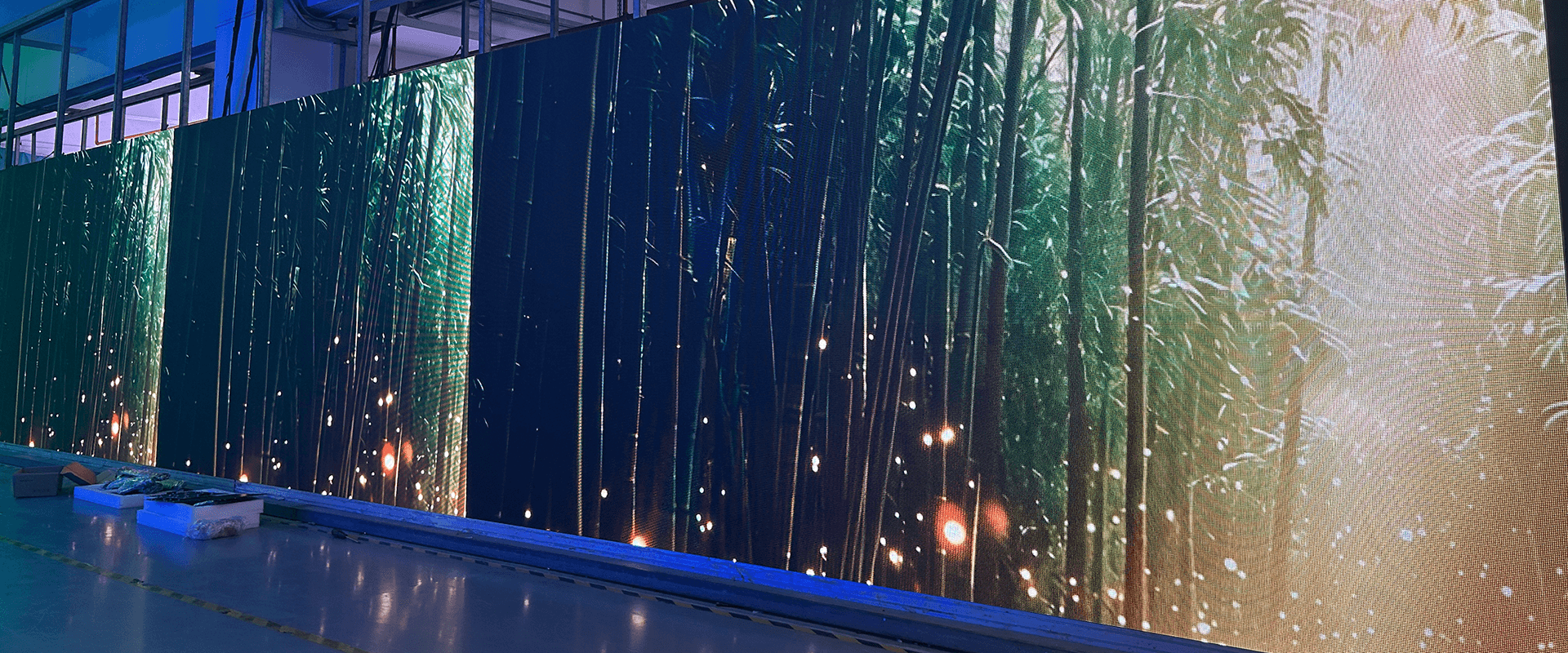
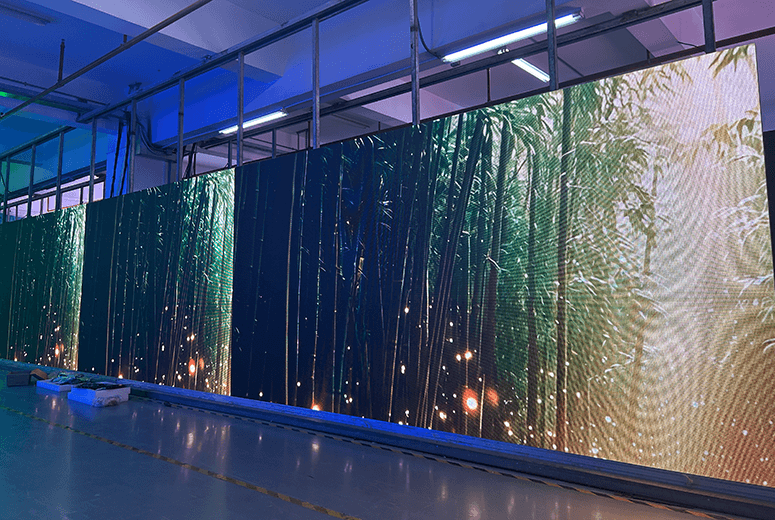
The moiré effect on LED screens is a distracting optical illusion—seen as wavy lines, ripples, or rainbows—created when the screen's repeating pixel grid overlaps with another grid pattern, such as a camera sensor or a tight clothing pattern. It often ruins video footage.
1.Causes of the Moiré Effect
• Grid Interference: Moiré occurs when the structured matrix of LED pixels aligns perfectly with the matrix of pixels on a camera sensor or projector.• Pixel Pitch: Displays with a larger pixel pitch (distance between individual LED lights) and low resolution are highly susceptible, especially when viewed up close.
• Camera Settings: Poorly matched camera shutter speeds, framerates, focal lengths (e.g., using telephoto lenses), and sharp focus on the screen rather than the foreground subject amplify the effect.
2.How to Prevent and Fix Moiré on Camera
If you are filming or broadcasting an LED wall, professionals recommend the following strategies to eliminate the interference:a.Adjust the Distance: Move the camera further back or closer to the screen to change how the LED pixels map onto your camera's sensor.
b.Adjust Camera Focus: Shift the camera's focus entirely onto your foreground subject rather than the background LED screen.
c.Use a Shallow Depth of Field: Utilize wide aperture lenses (e.g., f/1.2 to f/2.8) to create a soft, cinematic blur (bokeh) on the screen behind your subject.
d.Change the Camera Angle: Avoid shooting perfectly straight-on. Tilting the camera slightly (e.g., 5° to 10°) breaks up the parallel alignment of the grids, heavily reducing interference.
e.Add Diffusion: Place a physical, seamless diffusion panel or use haze (smoke) in your filming environment to naturally soften the light and blur the sharp pixel grid.
3.Technical Solutions for Display Setup
If you are building an LED wall or managing a broadcast studio where moiré is a constant problem:• Upgrade the Screen: Transition to displays with a finer pixel pitch (e.g., fine-pitch Mini COB LEDs) to increase pixel density and prevent the camera sensor from distinguishing individual pixel gaps.
• Use Anti-Glare/Matte Screens: Choose screens with matte or anti-glare properties to minimize high-contrast transitions between bright pixels and dark shaders.
• Employ High Refresh Rates: Use high-quality video processors and screens with refresh rates of 3840Hz or up to 7680Hz to perfectly sync the camera's shutter speed with the screen's updates.
FTV LED Screen Solutions
FTV offer turn-key LED screen solutions to save client cost and time, you can browse below:Indoor LED Wall: Super fine pitch, great visual, work for DCI-P3 Wide Color Gamut
Outdoor LED Screen: High brightness, great visual, and super robust design.
Rental LED Screen: Easy and fast to set-up, robust& reliable design.
Creative LED Screen: Customized LED Walls with various shapes.
For more solutions and customization, please be free to contact us.
Get your desired LED Display Solutions.
FTV offers Standard LED Screens, as well as OEM/ODM/Customization service.There are bulk stocks in USA and Factory for fast delivery/Pick-up.
Welcome to contact us and get your desired LED Screens.